Start Free
 Setup in minutes
 No code
 No credit card

Build
Website To AI Agent Setup
- Processing
Website crawl
139 pages fetched
- Queued
Business analysis
AI setup
- Indexed
Manual Q&A
confirmed entries
- Indexed
Product guide.pdf
8 pages parsed
Build AI Agents in minutes from a website URL, then run setup, training, testing, publishing, lead capture, conversations, and analytics from one workspace.
The same workspace drafts the AI Agent from your site, answers from approved sources, publishes the widget, and shows you what visitors asked.
The assistant retrieves tenant scoped website knowledge for each AI Agent and uses your fallback when the answer is not available.
AI infers business intent, visitor goals, lead needs, tone, and missing setup details before generating the runtime flow.
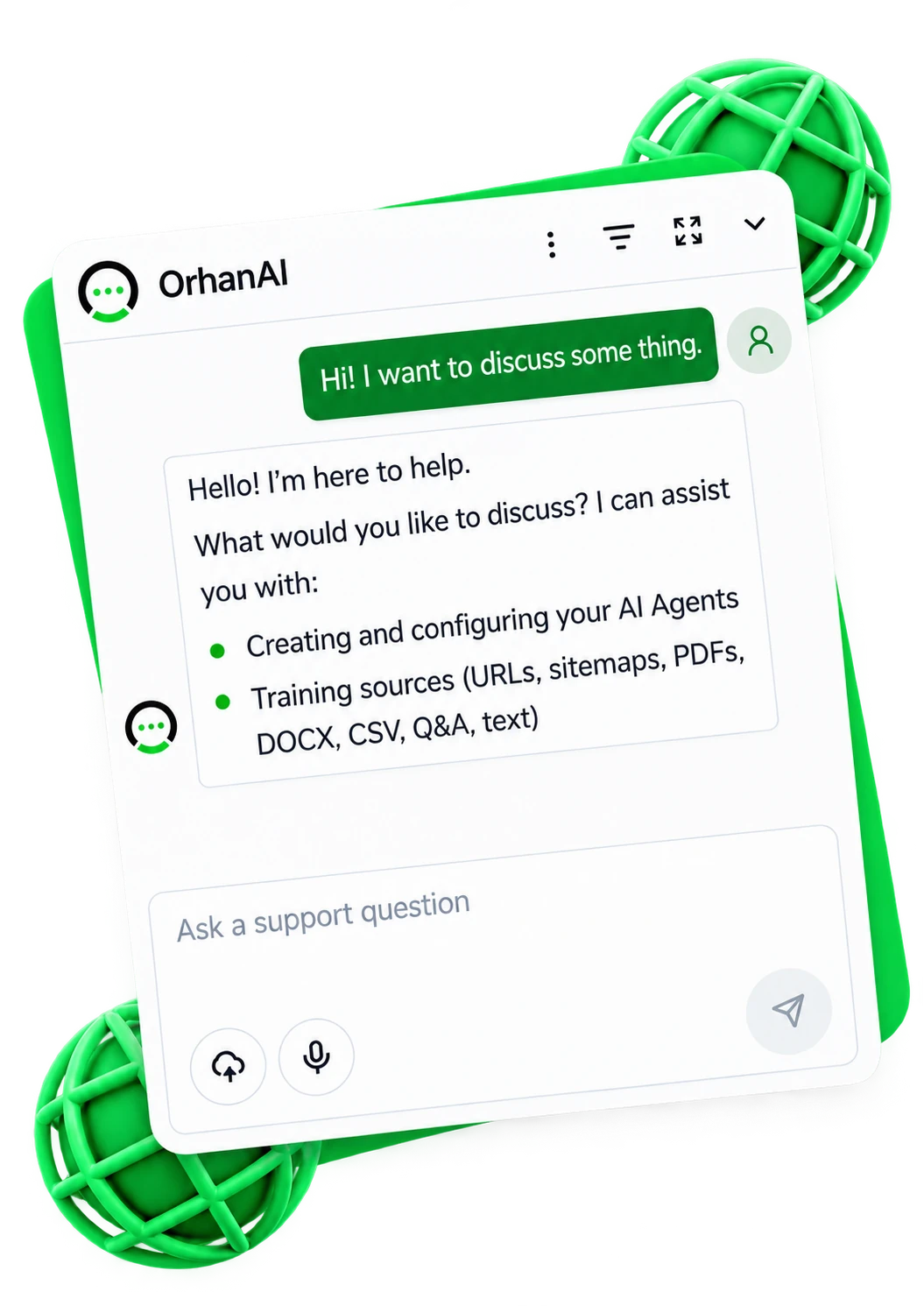
Customize colors, launcher position, welcome copy, icons, branding, and embed a Shadow DOM widget on approved domains.
Review transcripts, source references, captured leads, unanswered questions, visitor context, response times, and AI reply usage.
Watch AI build the draft, test Q&A and lead capture in Playground, improve answers, then publish the AI Agent to your site.
Website crawl
139 pages fetched
Business analysis
AI setup
Manual Q&A
confirmed entries
Product guide.pdf
8 pages parsed
Do you serve Austin and how can I book?
Yes. Share your name, phone, and preferred time. The team can follow up with availability and directions.
Improve with AI proposal ready
1,284
Messages
Last 30 days
+24%
Website setup crawls working pages first, then AI turns the content into business context and setup questions. Add sitemaps, documents, CSV files, images, audio, video, manual Q&A, or pasted text whenever real visitor questions reveal gaps.
11 training source types
Each source shows where it is while it crawls, parses, and indexes, so you know what the AI Agent can answer from.
Website crawl
139 pages fetched
Business analysis
AI setup
Manual Q&A
confirmed entries
Product guide.pdf
8 pages parsed
The public widget is isolated with Shadow DOM, uses your colors and welcome copy, resumes visitor sessions, accepts image attachments, and captures leads, while every request is checked for publish state, domain access, and rate limits.
Conversation analytics show transcripts, source references, visitor context, contacts, leads, response speed, unanswered questions, pages, devices, countries, browsers, and monthly AI usage.
Analytics (Last 7 days)
+28.4% WoW
Peak: 58 chats · 98% res.
First Response Time< 3.2 seconds
Data, publishing, and server logic stay with the workspace and the AI Agent that own them.
AI Agents, training sources, conversations, leads, usage, and retrieval stay scoped to the workspace and AI Agent.
Draft bots stay private until domains, widget configuration, training, and launch settings are ready.
Prompts, service credentials, billing enforcement, and AI reply metering stay on the server.
Uploaded documents stay in S3 compatible storage while extracted chunks power AI Agent retrieval.
Each guide maps a real OrhanAI workflow to a visitor job, a setup path, and the docs a team needs before publishing.
Build a website chatbot from your own URL. OrhanAI crawls working same site pages, indexes approved knowledge, helps you test answers, and gives you one embed script.
Read the guideCreate an AI chatbot for your website from a URL. OrhanAI drafts setup, asks targeted questions, tests answers in Playground, and publishes with one script.
Read the guideUse OrhanAI as a lead capture chatbot for your website. Collect contact details, custom fields, conversation context, and handoff requests from chatbot conversations.
Read the guideAdd a chatbot widget to your website with OrhanAI. Publish on approved domains, copy one embed script, and verify the widget on WordPress, Shopify, Webflow, Wix, and more.
Read the guideReview chatbot analytics in OrhanAI, including conversations, lead activity, unanswered questions, knowledge gaps, costs, cohorts, and funnels.
Read the guideCreate a source grounded chatbot with OrhanAI. Train approved website pages, files, manual answers, and connected sources, then review source references and knowledge gaps.
Read the guideLet AI handle the repetitive questions. Free your team to focus on real conversations.
Get Started FreeSetup in minutes · No credit card required